The money loop at a glance
Collecting money in Clubside is three moves: define the fee once, request it from your families, and watch it land. You never chase checks, and you never handle card numbers. The screens below are from our demo club, so your team names will differ; the buttons will not.
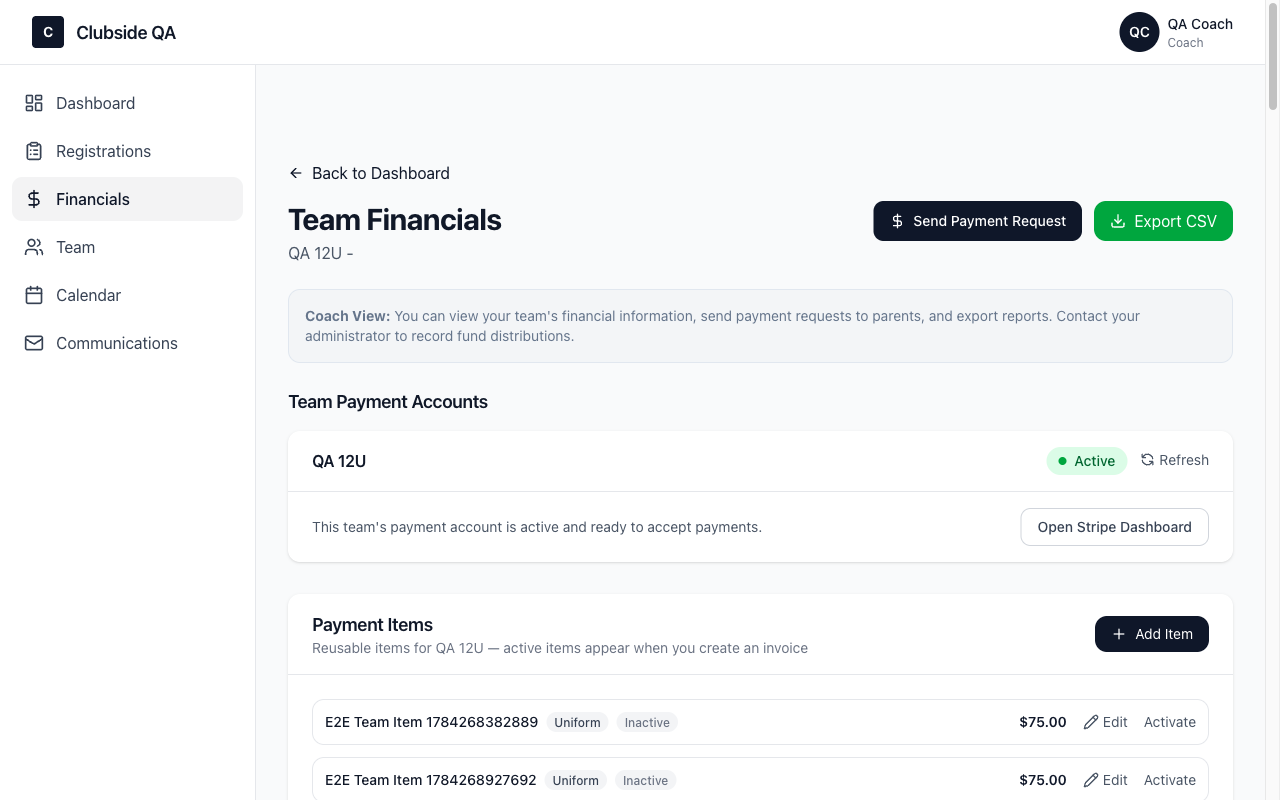
Your team's payment account must be connected (the one-time Stripe setup from onboarding). If your Financials page shows the account as Active, you are ready.
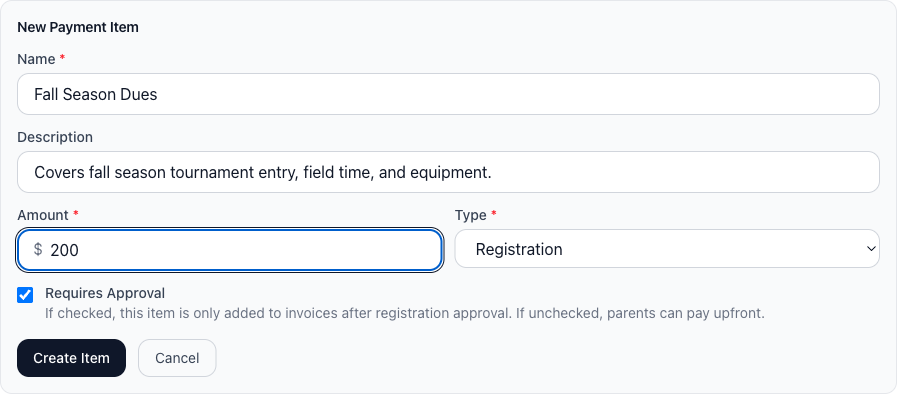
1. Create the fee, once
A payment item is a reusable fee definition. Set it up one time and invoice against it all season.

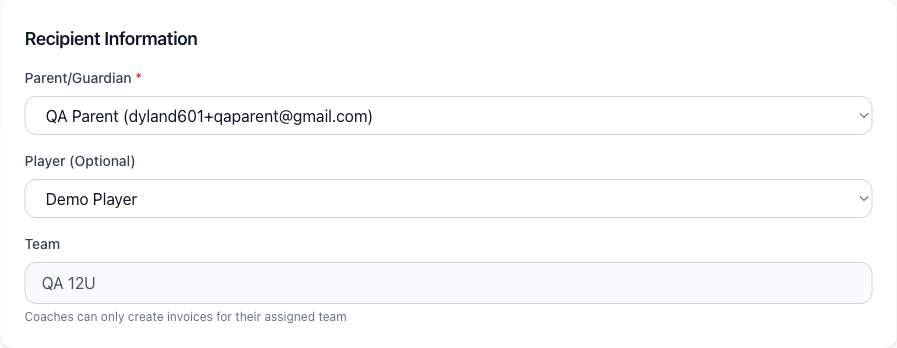
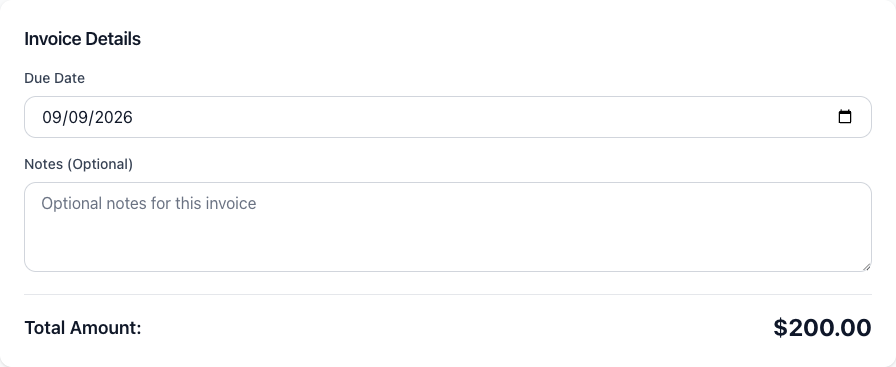
2. Send the payment request
Pick who owes, attach the fee, review the total, send. Clubside creates the invoice and emails the family a pay link.


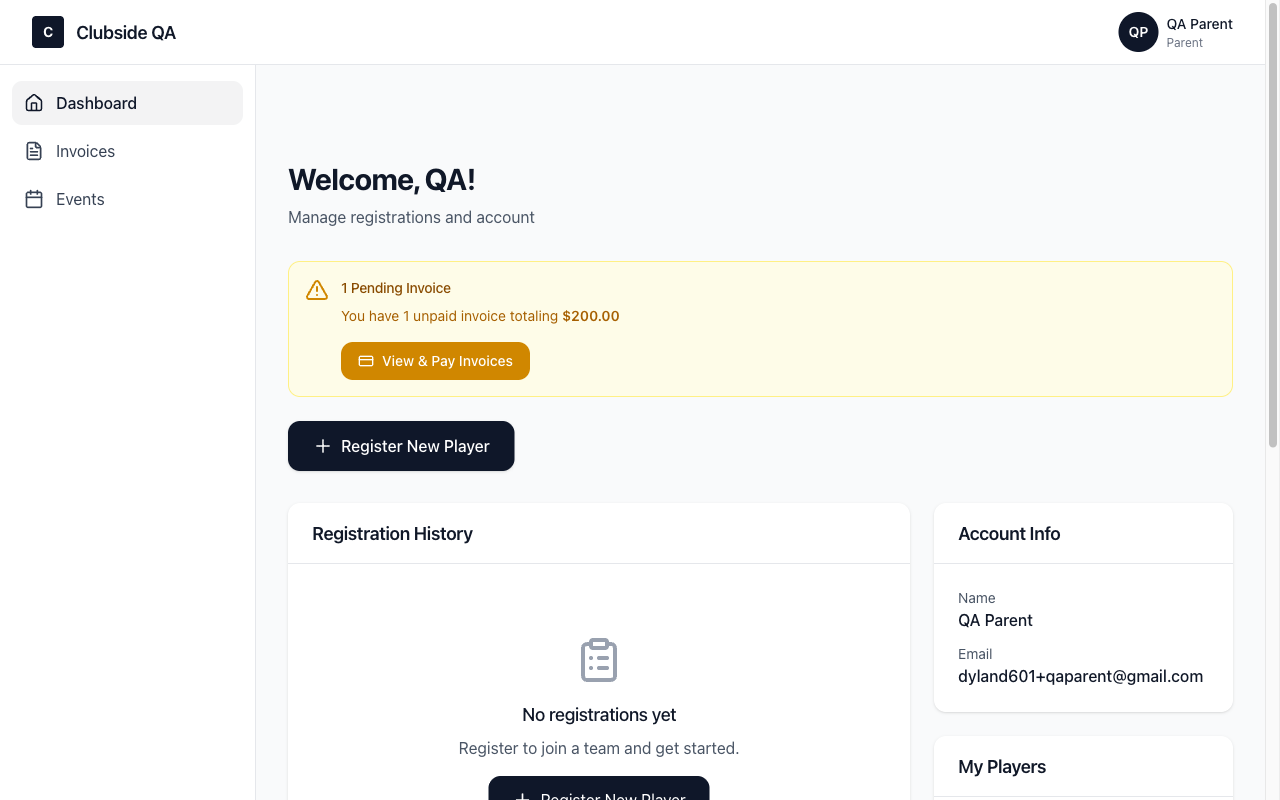
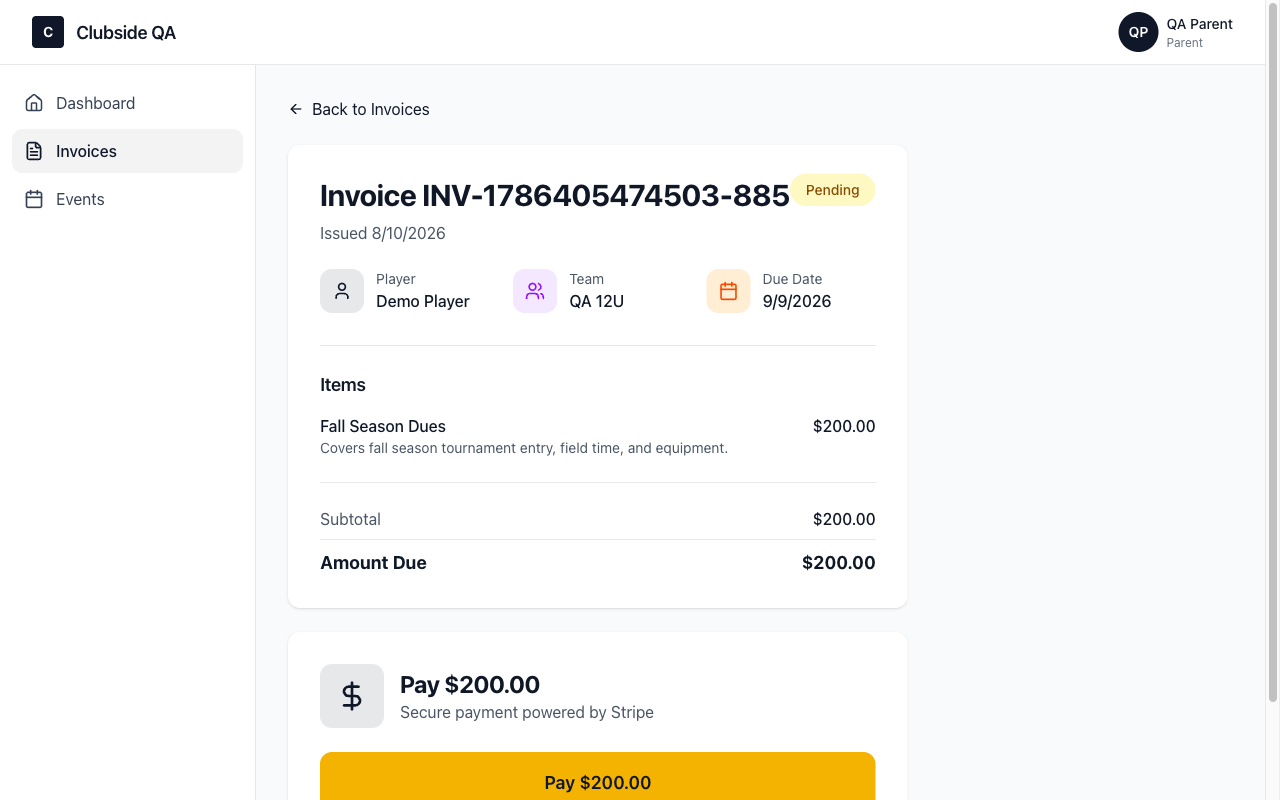
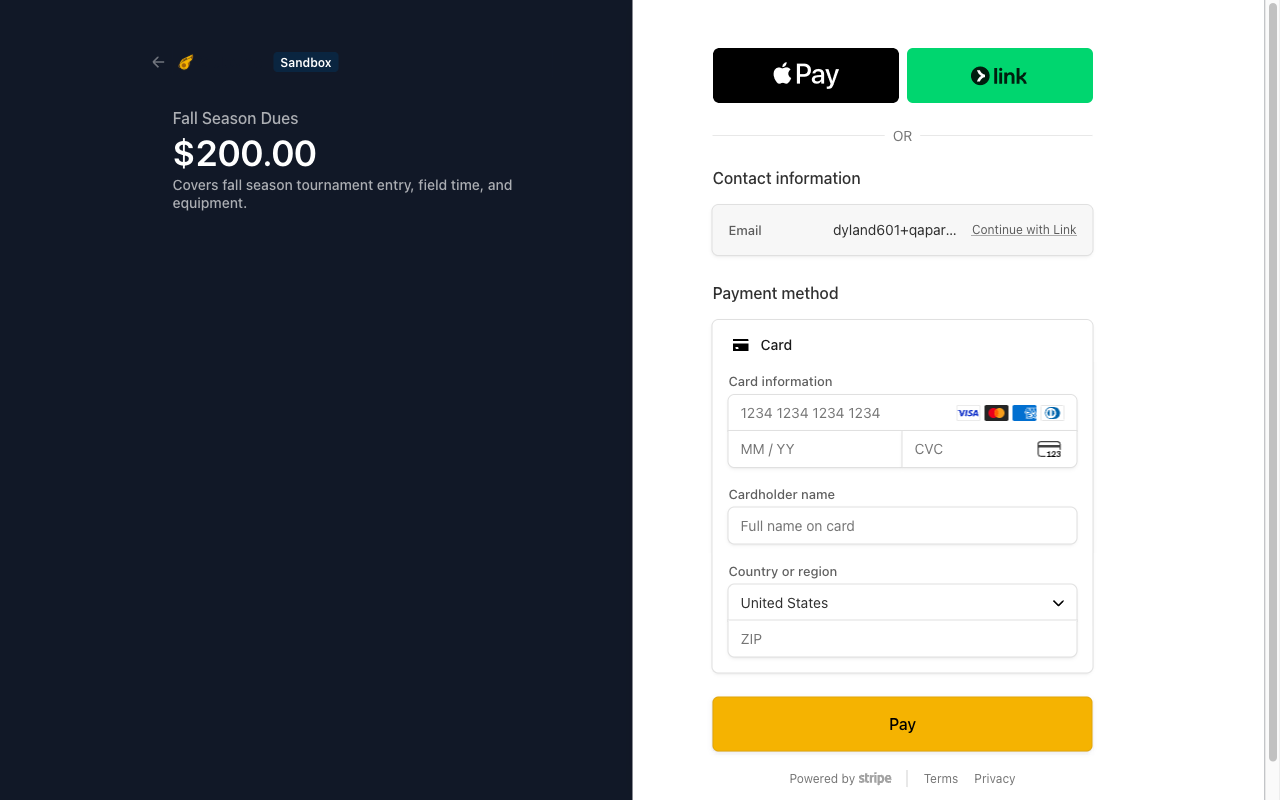
3. What the family sees
Parents pay online in about a minute, from their phone or computer. You never touch a card number.
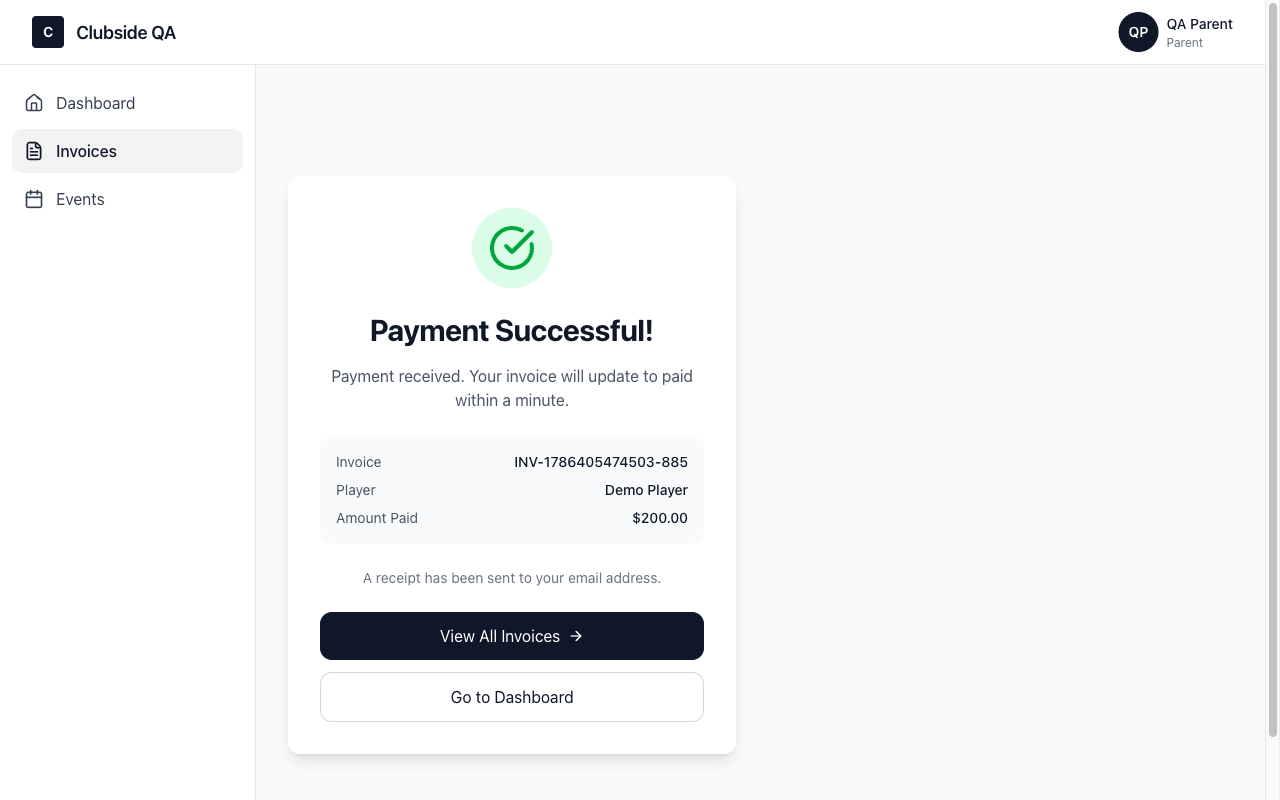
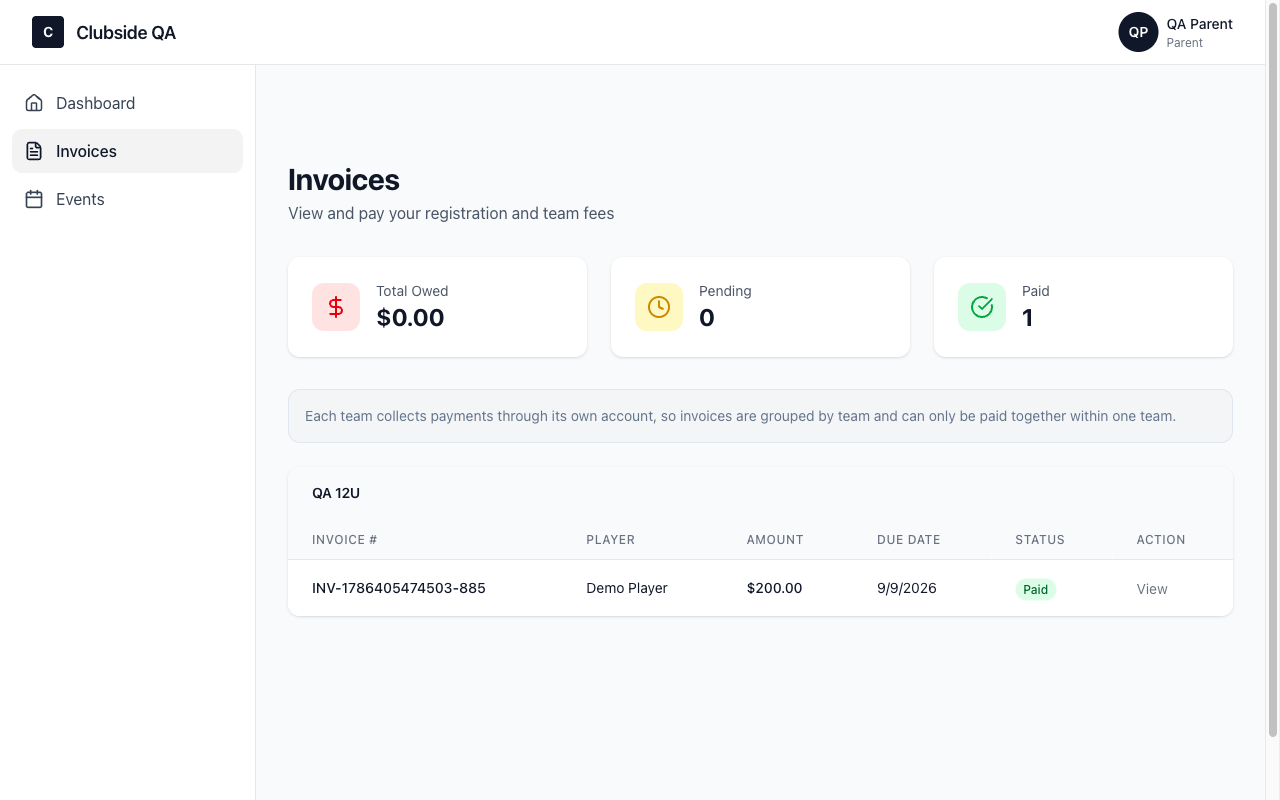
4. The money lands
Payments go straight to your team's own account. Clubside never holds your money.

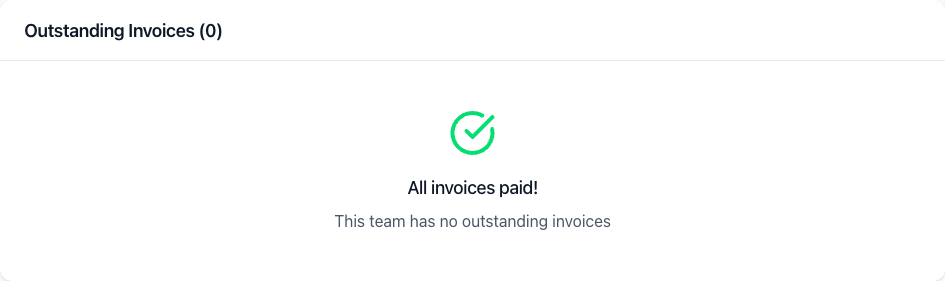
Payment plans need nothing from you: if a family picks 2-pay or 3-pay, installments charge their saved card automatically on schedule, reminders go out on their own, and your invoice shows partially paid until the plan completes. Questions? Email support@clubside.io.